
Video
How do I change the frame rate in video mode?
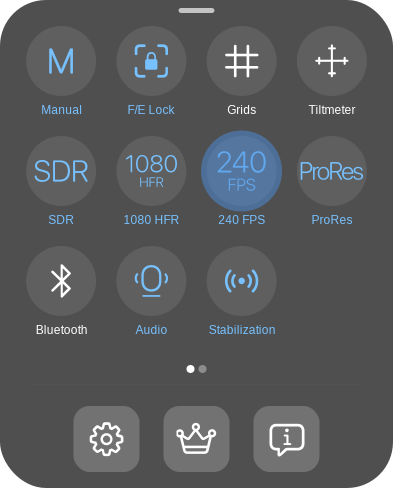
In Video mode, tap the Control Panel button (nine-dots icon, bottom right), then set the frame rate by tapping the Frame Rate button.
Please note that not every combination of frame rate and resolution is supported. When you select a high frame rate (HFR), ProCamera may automatically adjust the recording format and resolution to the highest quality supported by your selected frame rate on your iPhone model.
Didn't find an answer? Contact support