
Video
Video Info Panel
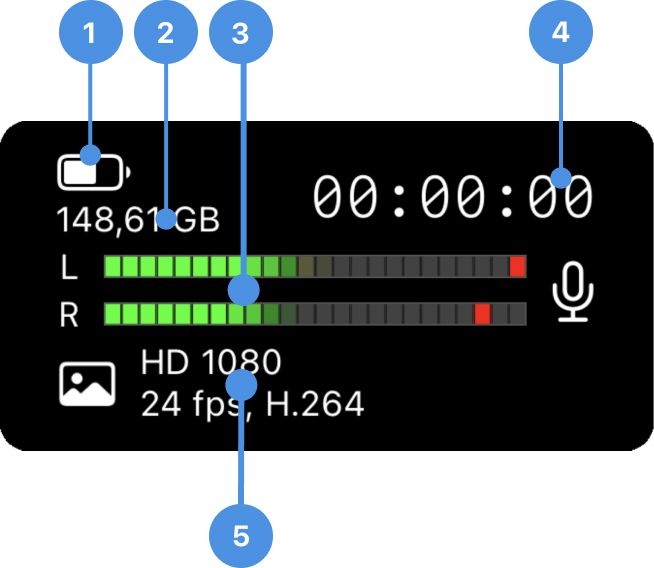
When Video mode is active, all essential recording settings are displayed directly on the Capture Screen. The Video Info Panel provides an overview of the current recording parameters before you start recording and continues to display key information while recording is in progress.
Components of the Video Info Panel:
 Battery level
 Available storage space
 Input audio level indicator
 Video recording duration
 General video recording parameters
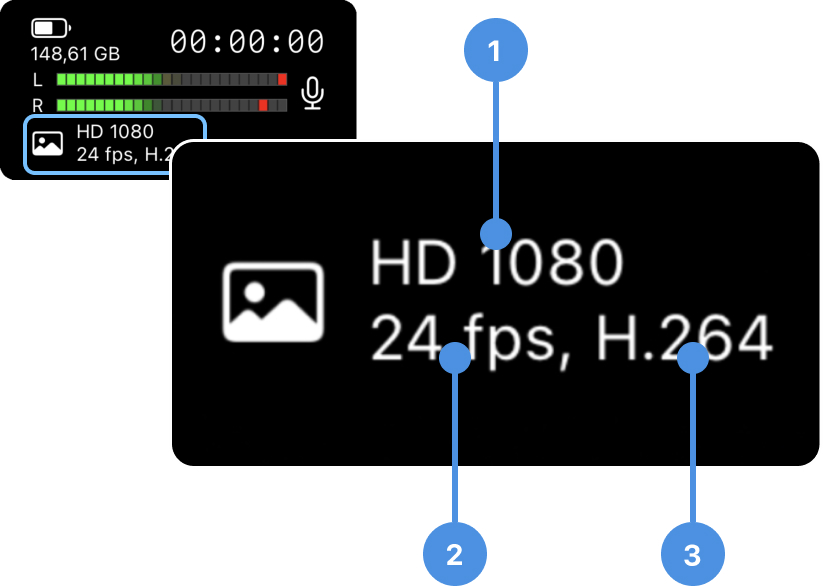
General video shooting parameters:
Resolution
Frame rate
Video codec
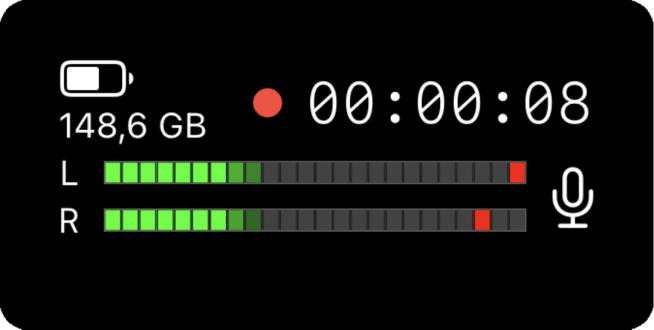
Components of the Video Info Panel while recording.
During recording, the Video Info Panel is minimized to display only the essential recording information.
Didn't find an answer? Contact support